Features 1
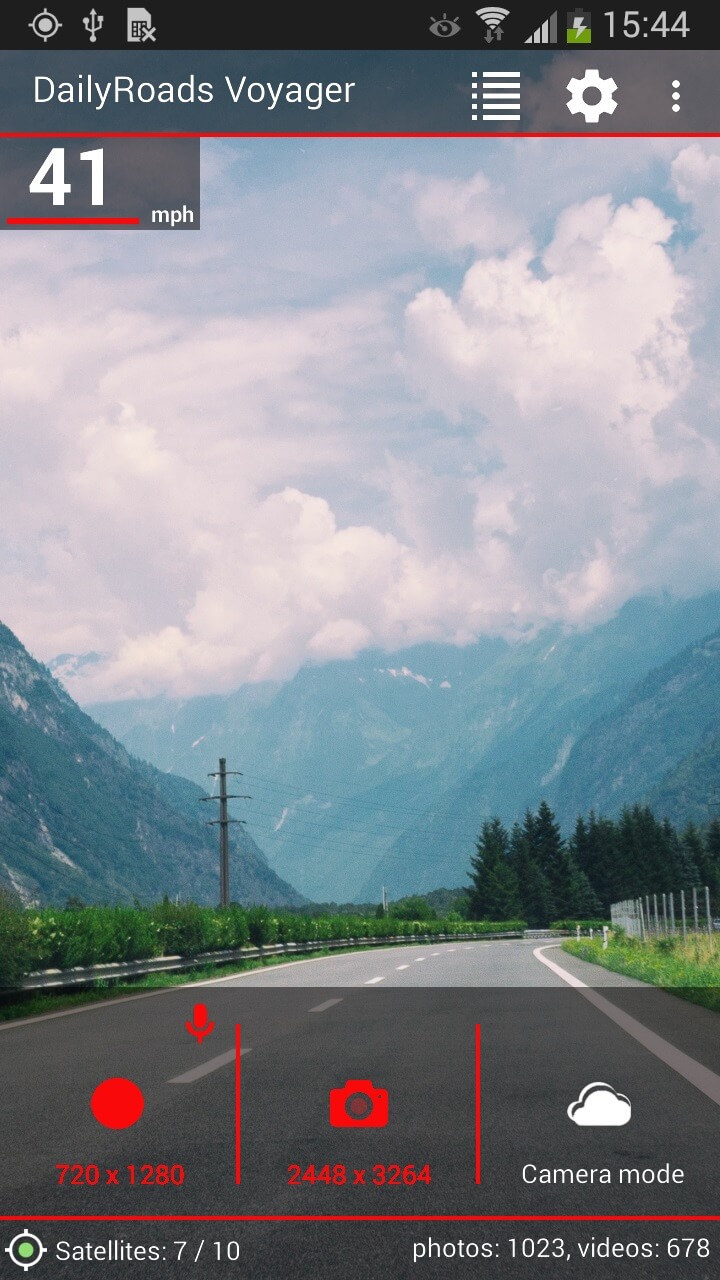
Continuous video recording
The app acts as a video black box, dashcam or auto DVR, recording everything, but only keeping what the driver is interested in.
Background operation
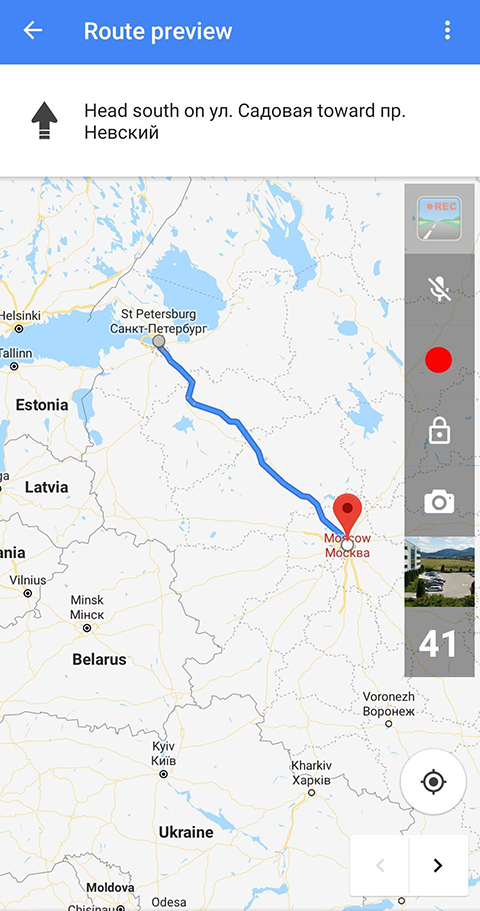
Video/photo capture is also possible in the background, showing optional control buttons over other applications (like navigation).
Protected videos
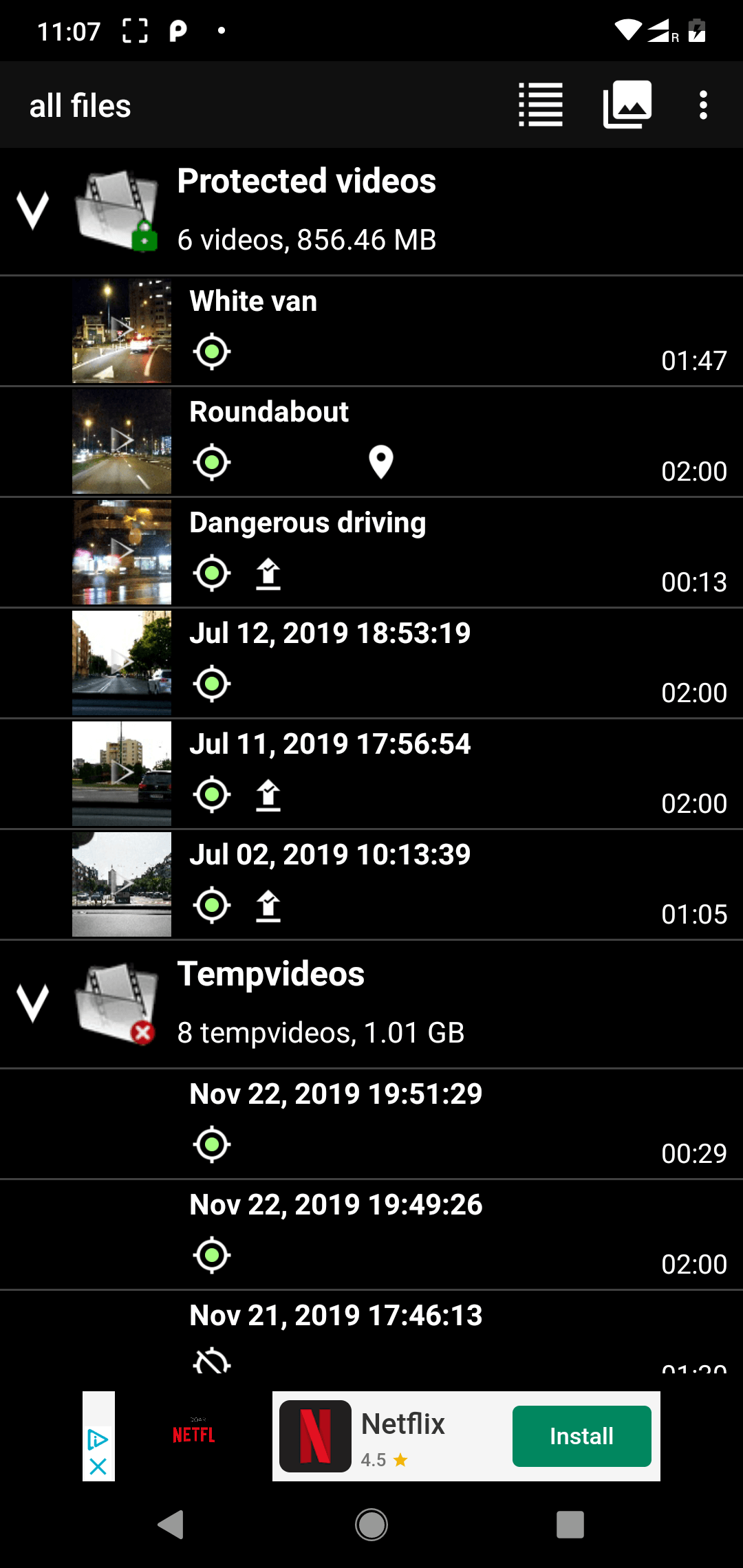
Sudden changes in speed (as detected by the accelerometer), or a touch on the screen (indicating an important road event) triggers the app to place the latest recorded video sequence into a safe zone.
Videos with GPS track
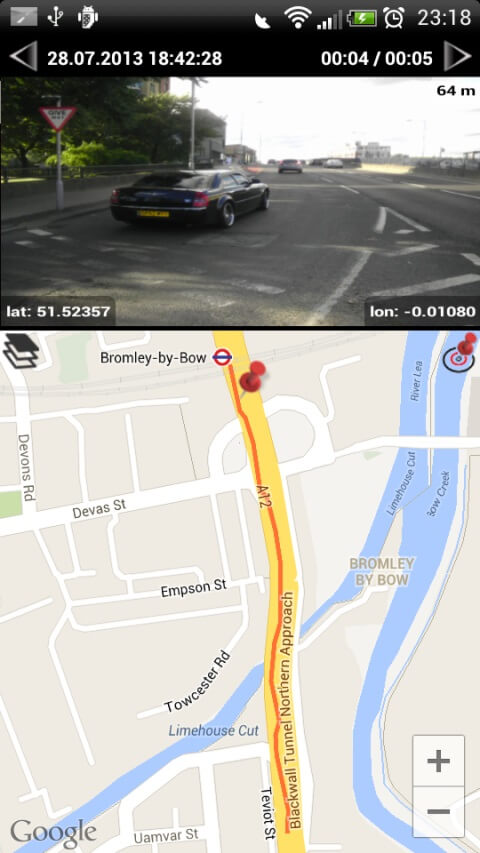
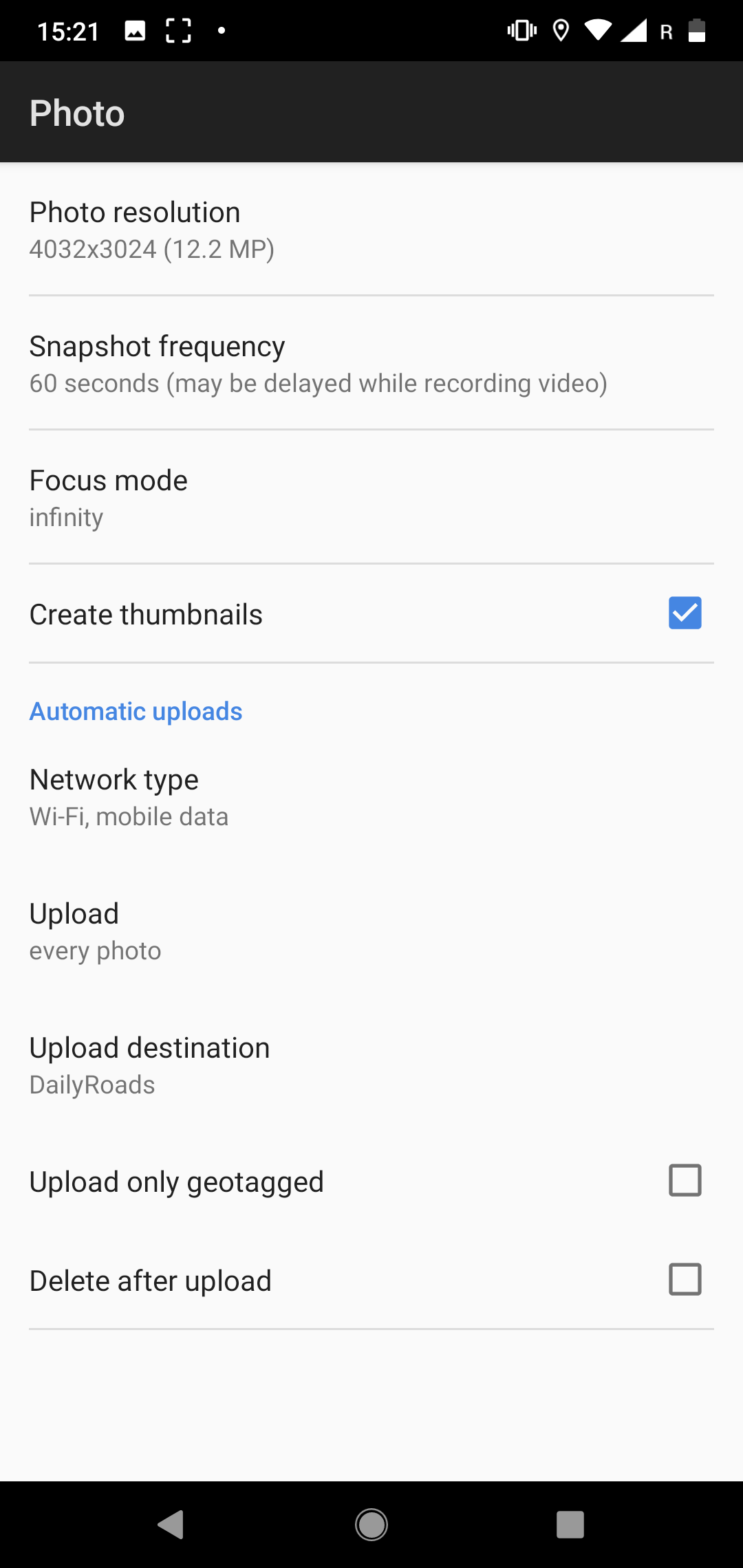
Video and photo files are timestamped and geotagged, so speed, elevation and GPS coordinates are saved each second, and can be shown on the videos within the app.
Record the whole journey
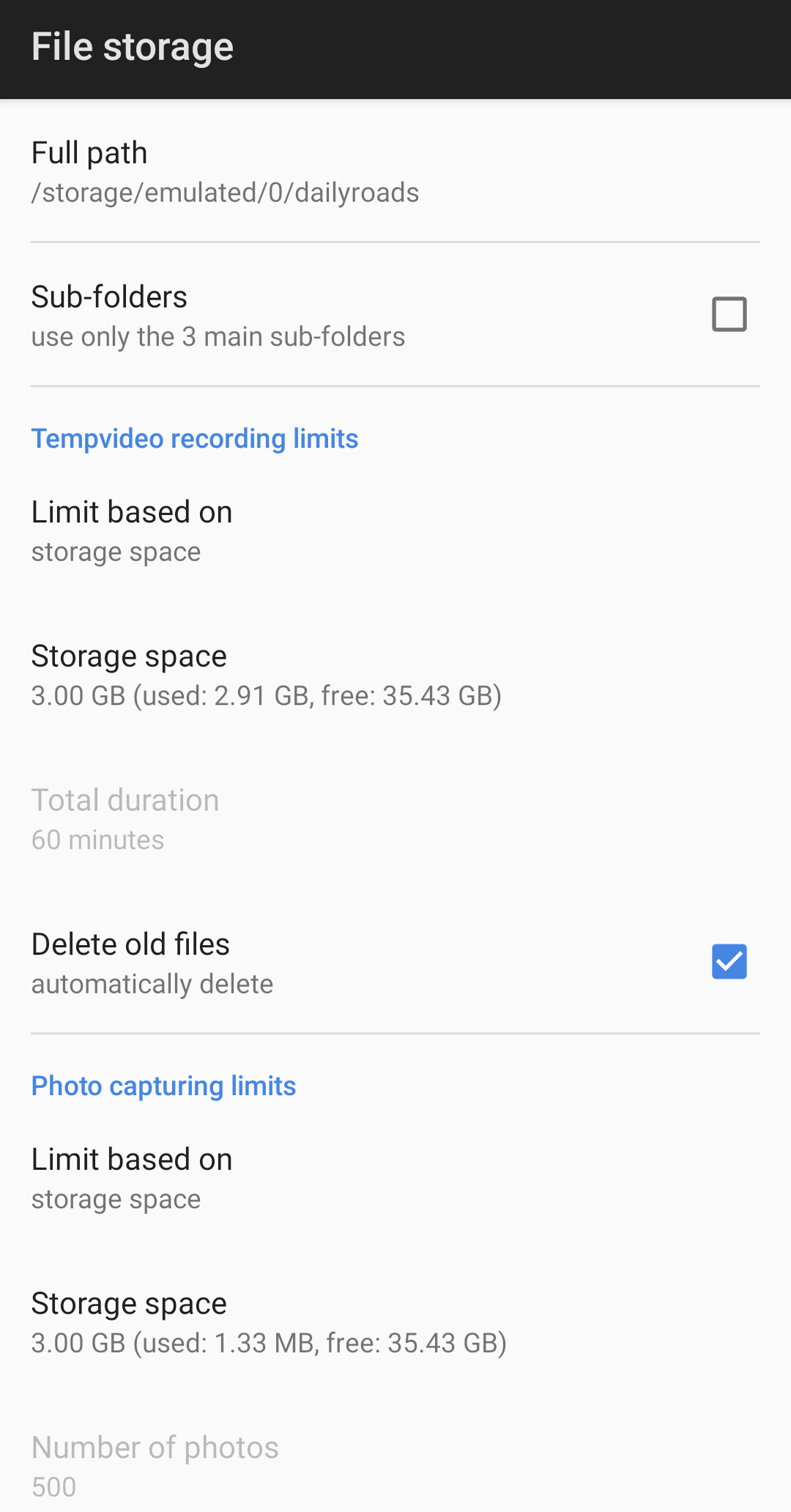
When the user-defined storage space starts to fill up, the oldest videos are automatically deleted, to make room for new files.
Settings for power users
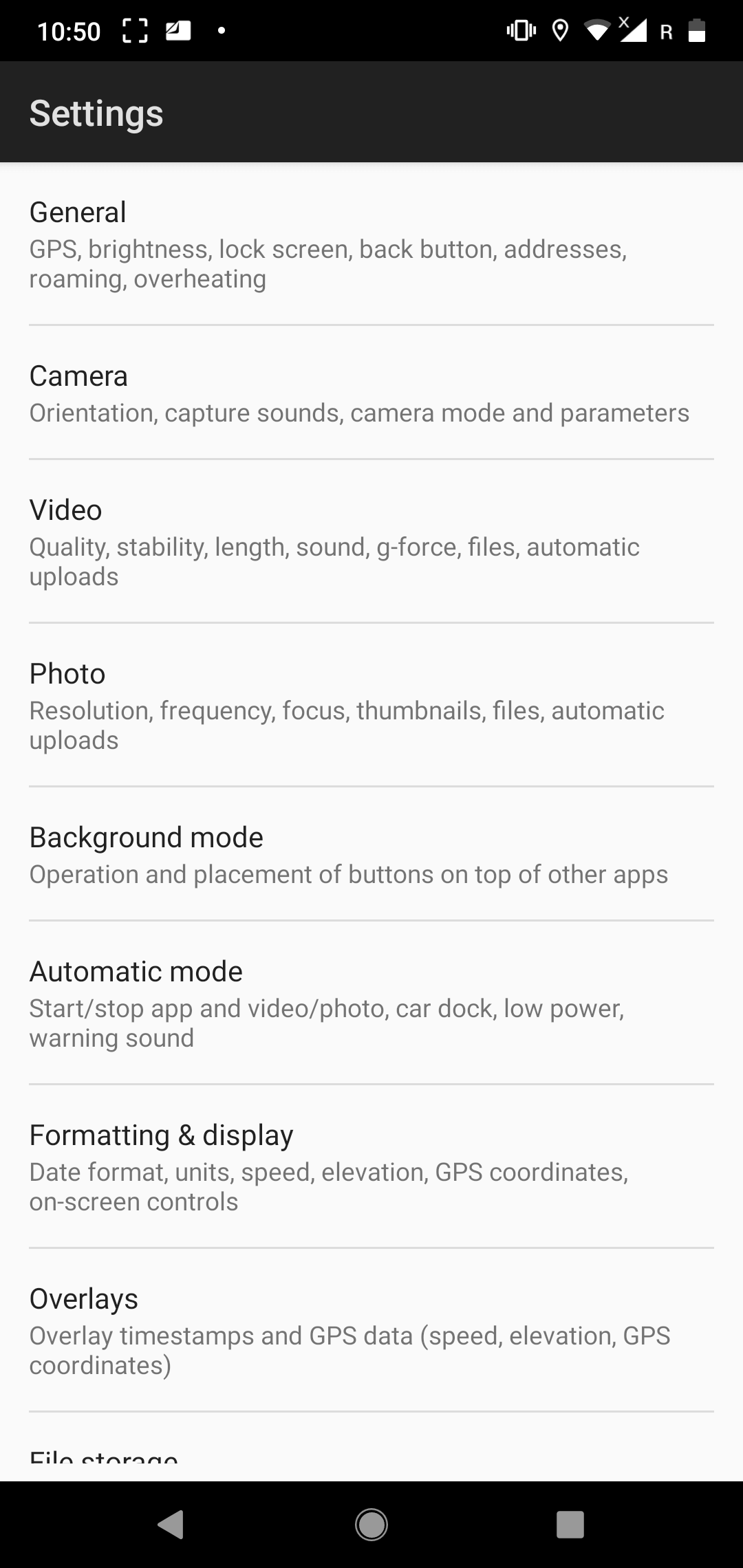
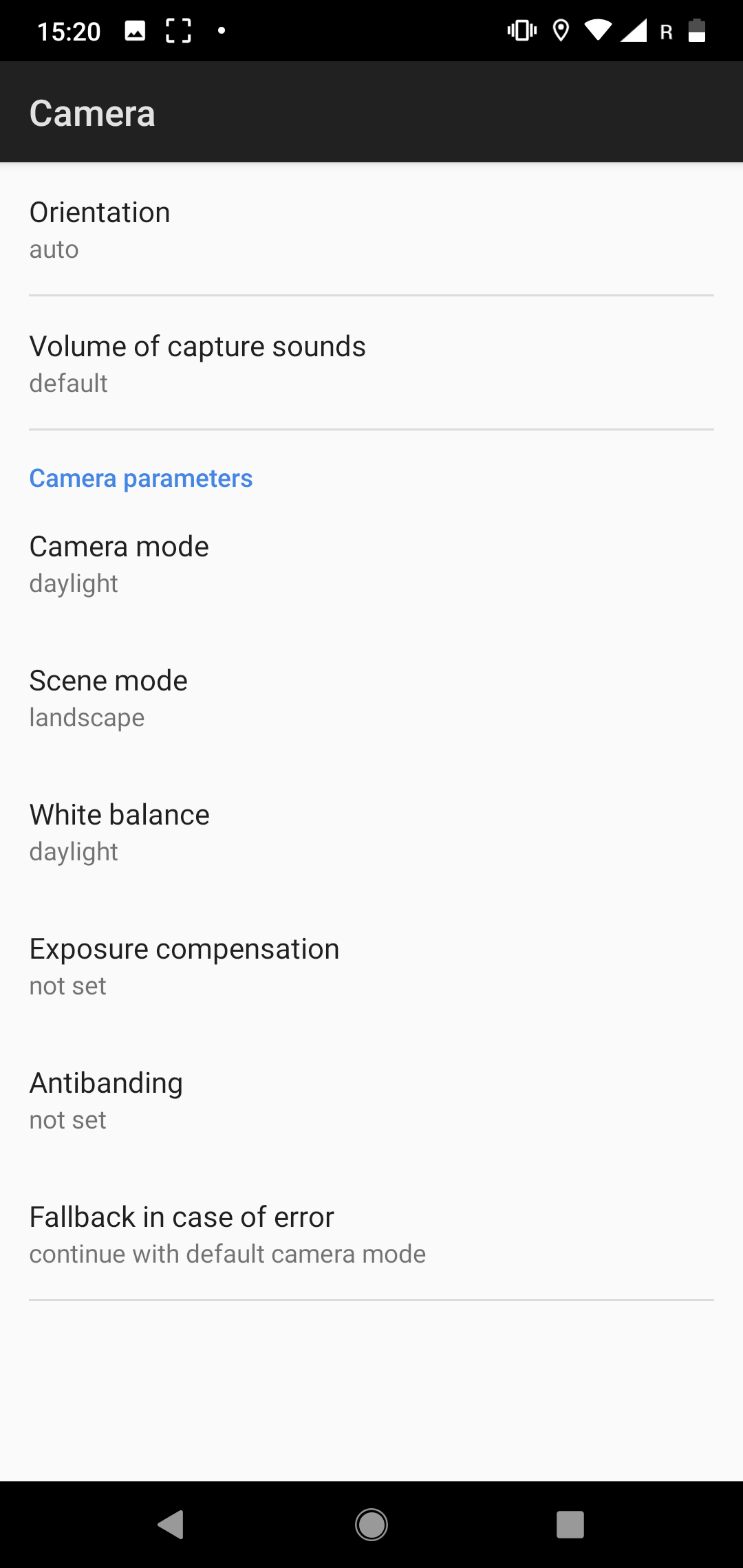
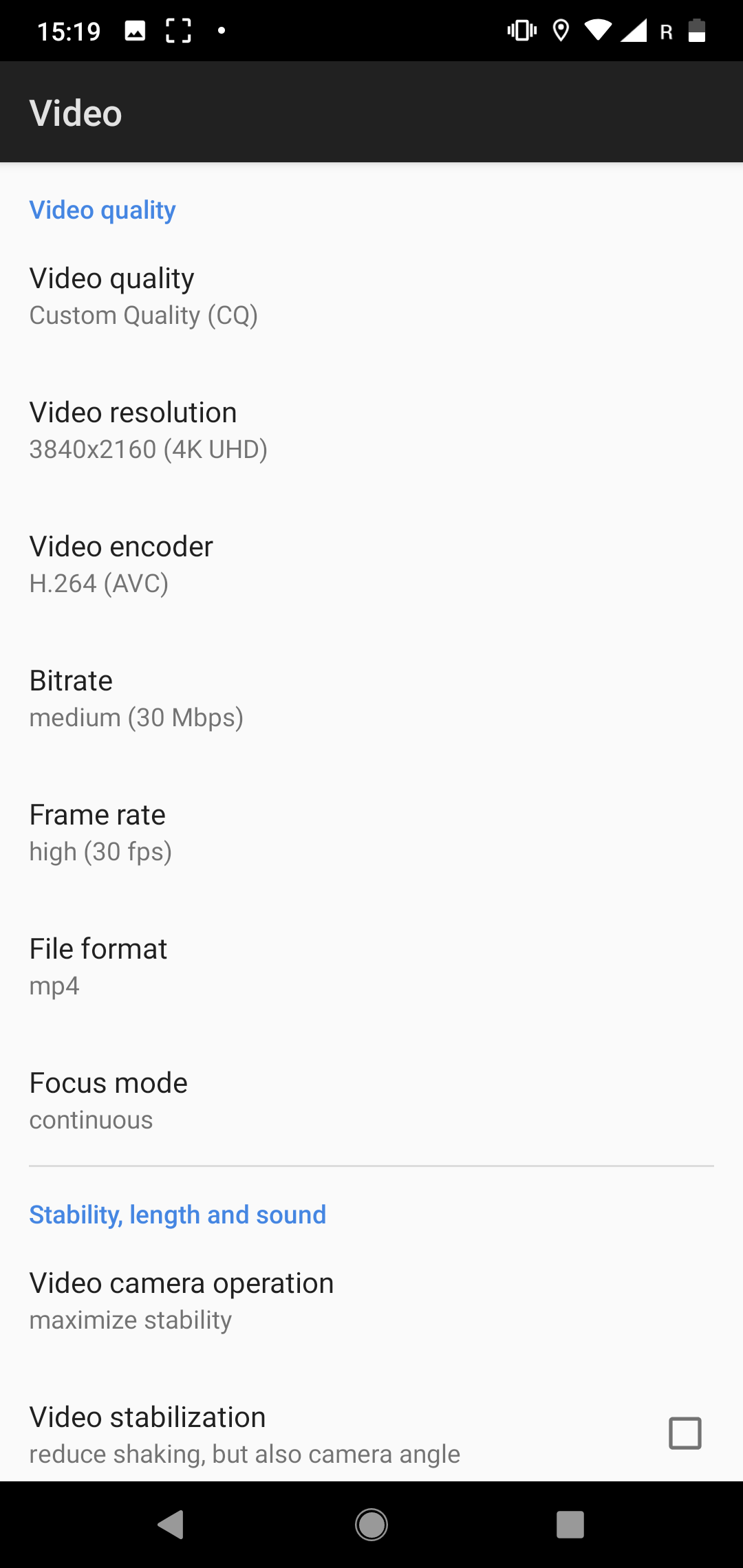
After downloading the app, you can immediately start recording your journey with the settings automatically customized to your device.
Recording road videos since 2009

DailyRoads Voyager is an Android dashcam app, allowing for continuous video recording from vehicles. Essentially, the application acts as a video black box, dashcam or auto DVR, recording everything, but only keeping what the user is really interested in. The user is usually the driver of a car, who can now quickly and safely capture video sequences of important road events.
Get the app now
The video evidence can be invaluable in case of accidents, insurance fraud, police abuse, protection from crash-for-cash scams and differences of opinion with other drivers.
Very first dashcam app
Developed in 2009 and improved ever since, DailyRoads Voyager has been downloaded to millions of Android devices, and currently is used by hundreds of thousands of drivers across the globe.
Listing 1
Play Store reviews
Used this for a while now on multiple devices and never had any issues. It easy to set up and use would highly recommend.
Great for recording cycle trips. Sound, map, pictures. Loving this app on my motorcycle trips. Highly suggested!
Я в шоке, приложение бомба. Куча настроек, отлично работает. Пока багов не нашел. Респект разрабам.
Идеальный видеорегистратор, ещё и бесплатный. Готов приобрести платную версию после опробования бесплатной – он того стоит.
For me it’s the best dash cam app ever. Have tried others but this one beats them all. Background recording whilst running Google Maps in the foreground. Optional sound recording. Video quality is tops. I gladly recommend this app.
I have used DRV for years since my S2 and it is the very best dashcam app out there. latest update. is excellent. there is no othe dashcam app that comes close. the option to show speed in background is brilliant and i can finally dispose if one flaky app and het my gps spped on google maps. ideal for getting speed limits right. thanks a million!
Гарно працює, huawei 6 pro, підтримує повнісьтю, вночі не пробував, вдень все дуже гарно
I’ve been using this app for about two years with zero issues, it does take a while to figure some of the options, but if you commit to the app you will be very satisfied.
User friendly. Tracks and records your location along with video. Good resolution. Night view not so great but i guess it’s a limitation of my phone camera, I need to adjust it. And it’s for Freeeeee!
Все хорошо работает кроме включения подсветки, а при общении с полицией ночью она очень нужна, если исправите, будет 5 баллов. ЖДУ ОБНОВЛЕНИЯ С ПОДСВЕТКОЙ
Скачал на старый телефон, чтоб не выбрасывать, а использовать в качестве регистратора. Настройки понятные, пользоваться удобно. Не показывает карту на видео, только сетку, но возможно не разобрался ещё до конца. Хорошее приложение!
Używam programu od 3 lat . Jestem zadowolony. Jest jedna rzecz którą chciałbym wyłączyć. Co 120 sekund jak kończy nagrywać się filmik i zaczyna następny jest charakterystyczny dźwięk. Szukalem w opcjach i nie wiem gdzie to wyłączyć. Używam bezplatnej wersji. Proszę o pomoc jak wyłączyć ten dźwięk.
Love the app, been using it for several years. Unfortunately, the GPS speed data does not work properly when connected to Android Auto. It still records and saves the footage fine, but the speed data is off. When not connected and using the phone by itself, it works fine.
This is the best dashcam App available for Android. It does everything you want. I am extremely happy. I just hope the developer is still supporting it because if this app is taken down, I can’t use any of the other buggy, bad options.
图像清晰稳定!带地图标志!所道之处在地图上能找到图像!在图像上能找到地理位置!方便适用!
Very nice app, serves the very purpose. It would be good if the GPS service is also turned on and off automatically when the app starts and stops.
Best app in store, the only issue is that on my phone it doesnt really respect the fps values set by me, recording with full rate instead, that I don’t need. (Galaxy A8) Otherwise it’s the best!!
Первый раз решил написать отзыв на приложения из маркета, потому, что это приложение просто супер, ставлю на все гаджеты. Некоторые пишут, что приложение не работает или глючит, не знаю, за 2 года никаких глюков не было, разработчикам респект и уважуха 10 звёзд!